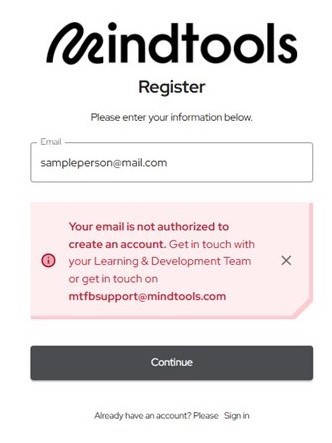
MindTools provides learning and development support tools for managers, as well as personal skills development information.
Access to Mindtools requires users to set up a personal account in addition to their NHS Scotland OpenAthens account.
The advantages of this personal account is that users can track progress, save and share resources, and access more relevant training through personalisation of their account.

To create your account and login
Go to https://nes.mindtools.com/login and from the home screen choose to register for an account.
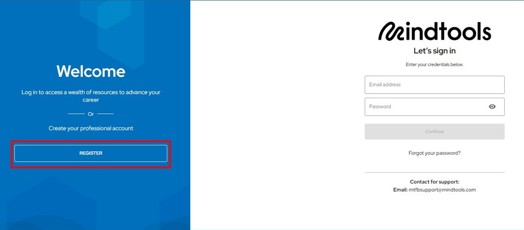
Register with an NHS Scotland work email address
If you have an NHS Scotland email account then use this to register as this will set your Mindtools account up automatically.
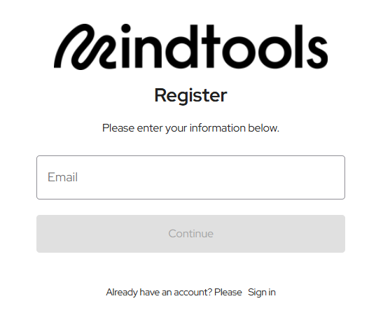
To register:
- Enter your email address.
- Enter a password of your choosing.
- A verification email will be sent to the email address used for registration. In that email is a verification link.
- Click on the link to verify your account.
Users should now be able to log into Mindtools.
If you do not have an NHS Scotland work email address
If you do not have an NHS work email address will not be able to directly register for a Mindtools account.
Please email knowledge@nes.scot.nhs.uk to request access.