EndNote Fusion– signing in as a new user
1. Go to https://fusion.endnote.com/
2. Click on ‘Use login from my institution’ and select Knowledge Network Scotland.
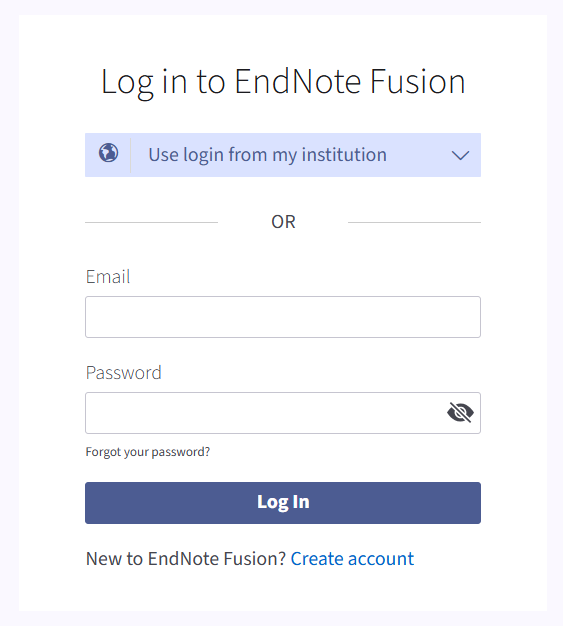
3. Sign-in to OpenAthens using your preferred method. If you are an NHS Scotland member of staff, we recommend option 1, email and password. For all other eligible users, select option 2, OpenAthens.

4. After signing-in you will be asked to enter your institutional email address (please use your work email address and not a personal email address).
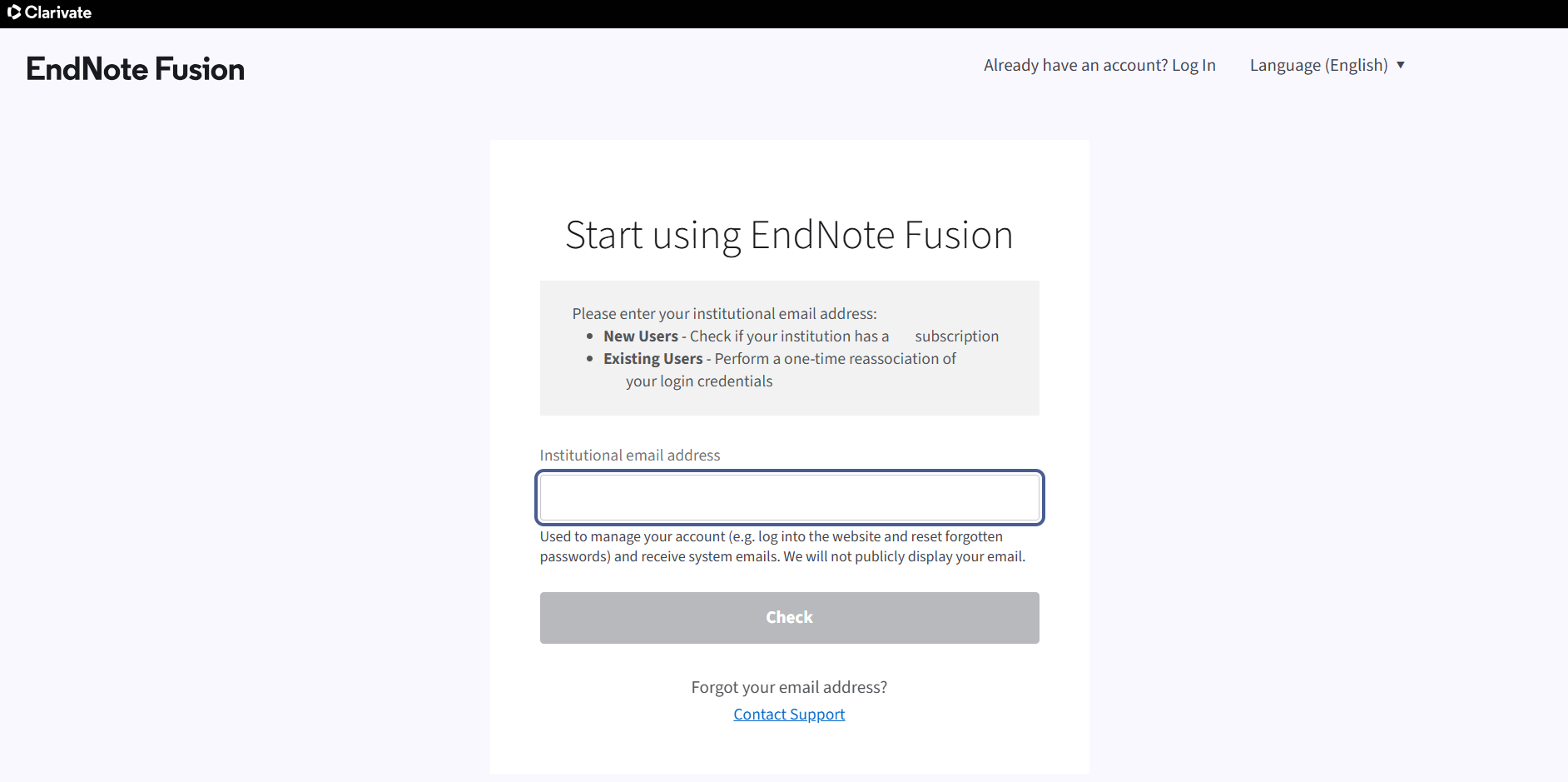
5. Selecting an eligible email address will display the following confirmation message.
6. You will then be asked to enter some details to complete your profile.
7. You will also receive a welcome email from EndNote Fusion which includes some FAQs and a link to EndNote training videos.
8. You are ready to start using EndNote Fusion. We recommend watching the Getting Started with EndNote Fusion training videos available from YouTube.
If you would like to find out about other training opportunities or have any other queries relating to EndNote Fusion please contact your local library service or the Knowledge Services helpdesk.