Installing EndNote Fusion citation manager
Before installing EndNote Fusion citation manager, you may need to contact your local IT department to enable access to MS Store.
Note: for NHS staff, communication have been sent out to IT leads in each of the Boards to highlight why this should be enabled. If you require additional support, contact the Knowledge Services helpdesk
2. Open up Word and select the ‘Add-Ins’ button from the home tab.

3. If it has been added to your add-ins you should see an option for EndNote Fusion citation manager.
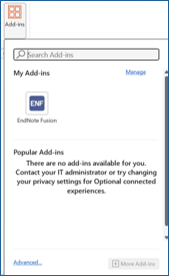
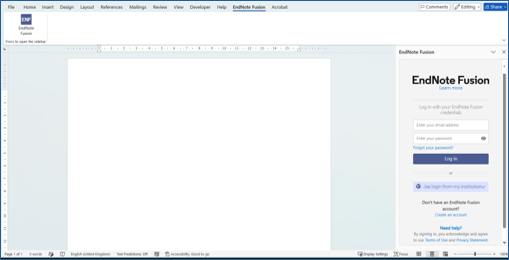
4. EndNote Fusion citation manager should now be available in Word.

5. When you go into the tab the EndNote Fusion citation manager link will be present, and you will need to sign into your account.
More information
Cite and create a bibliography in Microsoft Word and Word online